 GenZBrain Studio
Invoice brands in a minute, and get paid on time
Turn a finished deal into a professional invoice with one click. Brands get a PDF and a link to pay online, and automatic reminders do the awkward follow-up for you.
From deal to paid without the admin
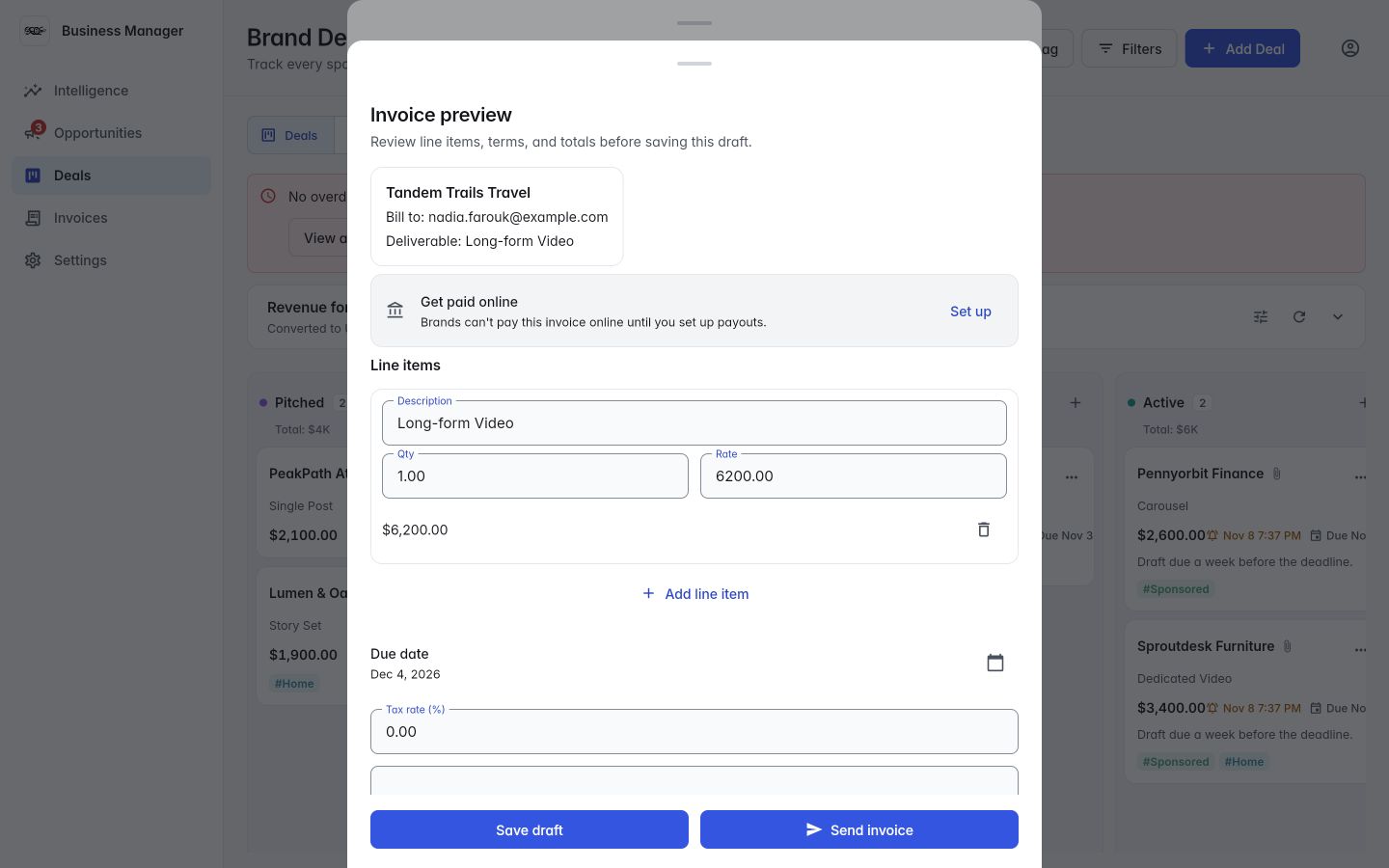
Generated from the deal
The deliverable and agreed value are filled in. Add line items such as usage rights, a tax rate and notes.
PDF and online payment
The brand gets a clean PDF and a page where they can pay online through Stripe.
Automatic reminders
Optional emails go to the brand 3 days before, on, and 7 days after the due date, so you don't have to chase.
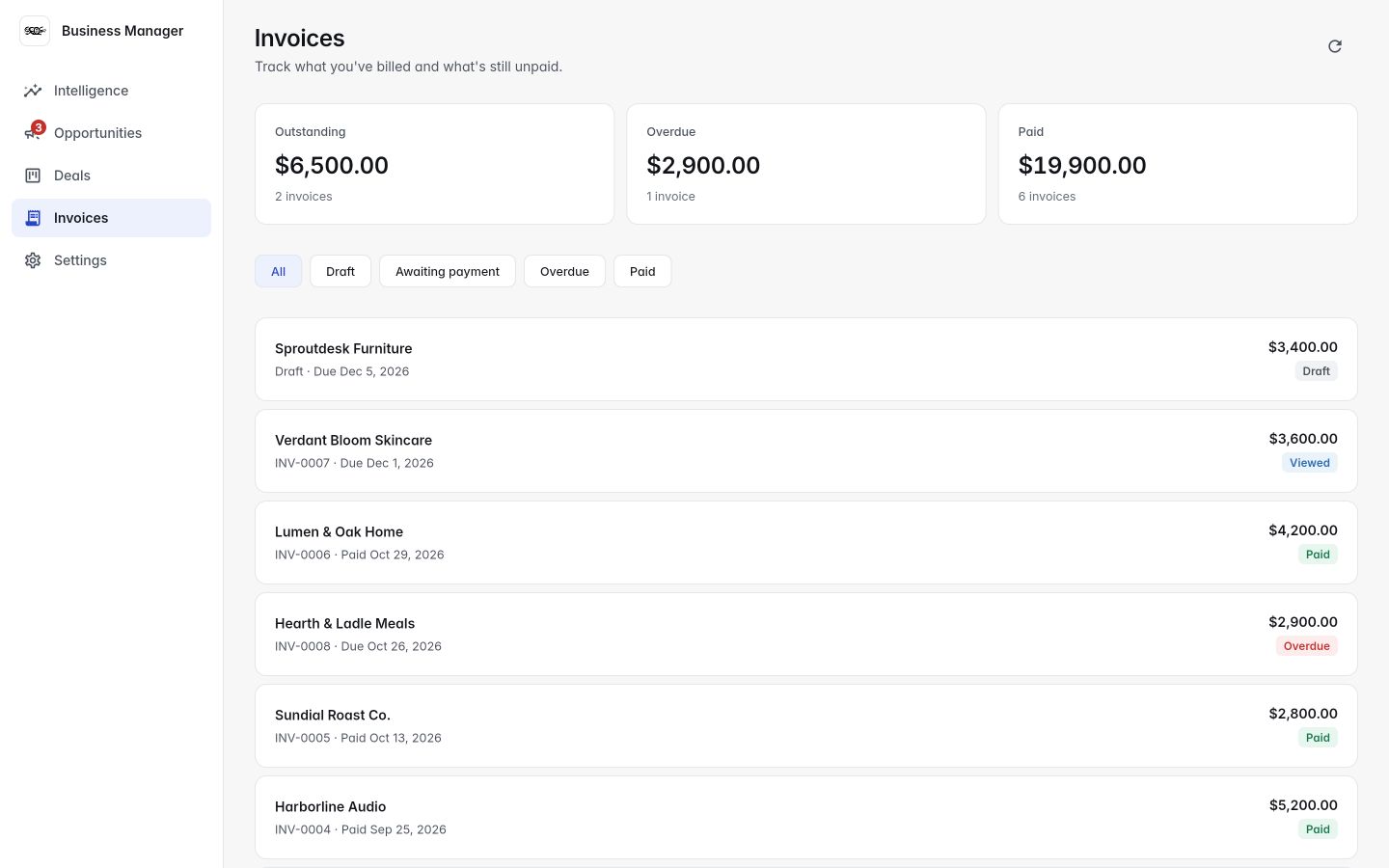
Know where every invoice stands
Each invoice moves through Draft, Sent, Viewed and Paid, and shows Overdue once the due date passes.
Paid, and the deal closes itself
When a brand pays online, the invoice and deal are marked paid for you, and it counts toward your earnings.
Quotes too
Send a quote while you're negotiating, then invoice from the same deal once the work is delivered.
How it works
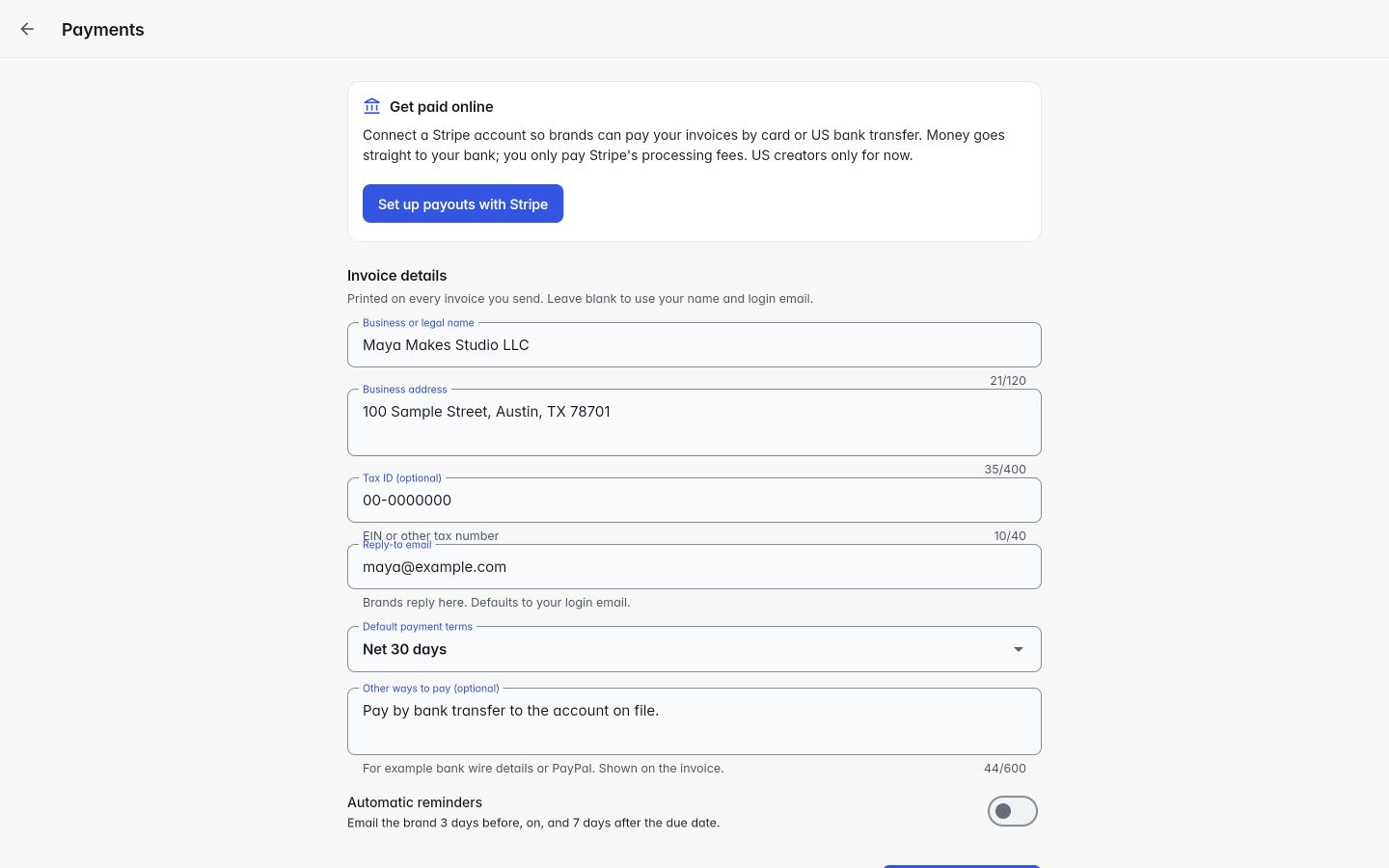
- In Settings, then Payments, add your business details and set up payouts with Stripe.
- Open a deal, go to the Invoice tab and select Generate invoice.
- Check the line items, due date and tax, then Send invoice to the brand contact.
- Follow it on the Invoices page until it's paid.
Replies to invoice emails go straight to you.
Your money goes to you
Payments go directly to your own Stripe account. We don't take a percentage, and Stripe's standard processing fees are the only cost.
Online payment is for US creators invoicing in USD. Everyone else can create invoices, download the PDF and mark them paid by hand.
Questions
- Do you take a cut of my payments?
- No. There is no platform fee. Online payments go straight to your own Stripe account, and only Stripe's standard processing fees apply.
- Can brands outside the US pay online?
- Online payment is available to US creators invoicing in USD. Creators elsewhere can still create invoices, download the PDF and mark them paid by hand.
- Is invoicing included in the free plan?
- Yes. Invoicing is on every plan. The free plan includes up to 10 quotes and invoices a month; paid plans are unlimited.
Stop chasing payments by DM
Invoices work best with the brand deal tracker, and your media kit helps land the next deal.
Send your first invoice